
All tools
 Blender
Asset Browser
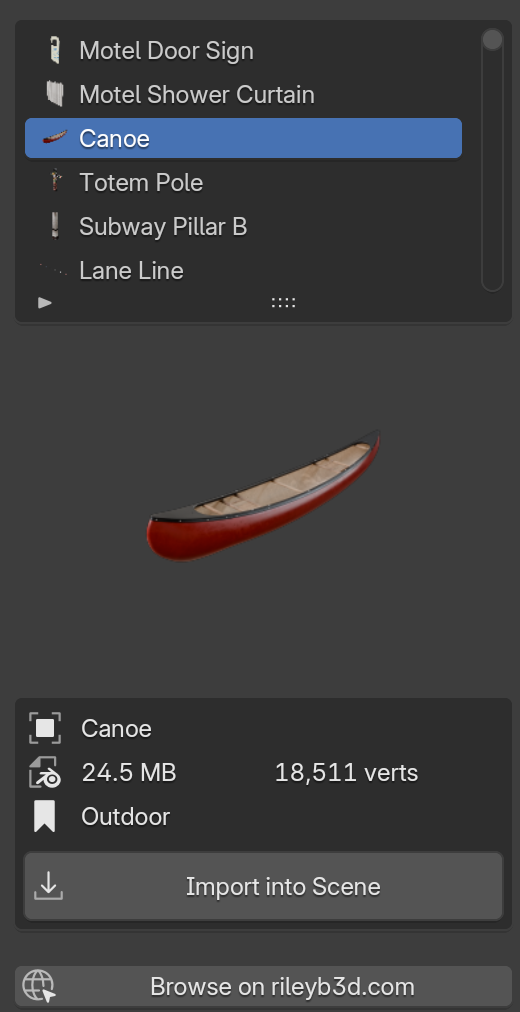
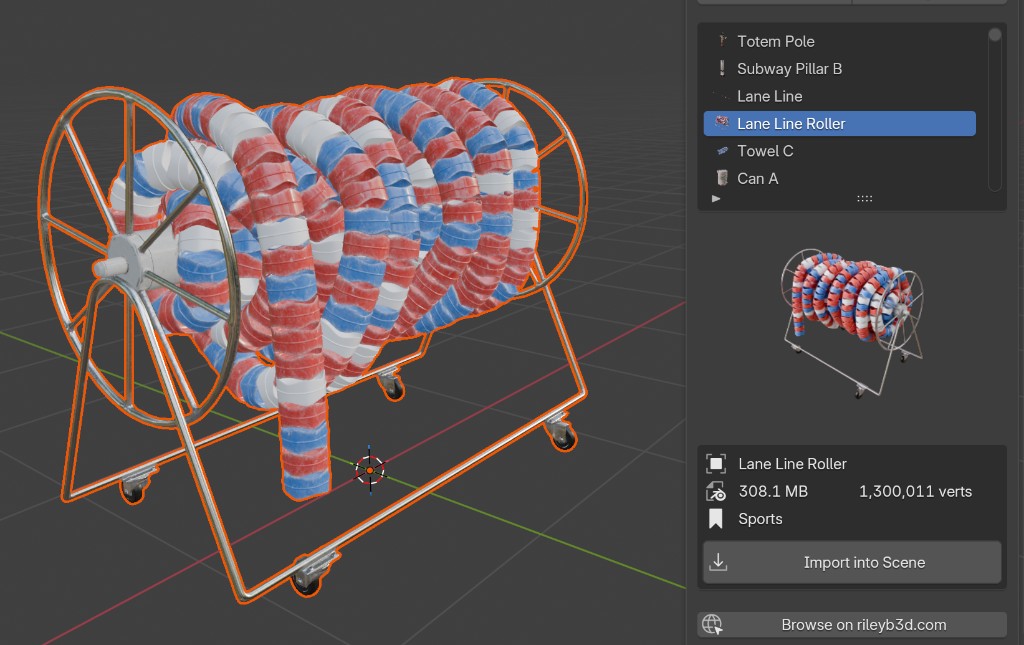
v1.0Browse and import every 3D model from rileyb3d.com without leaving Blender.
Blender 4.2+ExtensionIn the Site Pass
BlenderChoose your access
Site Pass includes the Asset Browser, extension updates, and unlimited downloads from the 368-model library.
Monthly Site Pass$8.99per monthChoose monthly →Yearly Site Pass$54per yearChoose yearly →Perpetual Site Pass$199one-time donationChoose perpetual →
Remote library requires Blender 5.2+. Keep downloaded files if you cancel a subscription. Perpetual access has no renewals.
Just the Asset Browser
$50 once for the current version. Future updates require Site Pass.
Sign in before checkout so your purchase is saved to your account.
Install from Disk
- 1Download the zip file above.
- 2In Blender: Edit → Preferences → Get Extensions, click the dropdown in the top-right corner, choose Install from Disk, and select the zip.
- 3Press N in the 3D viewport, open the RileyB3D tab, and click Load Assets.