 rileyb3d
v1.2.0 · Blender · Free
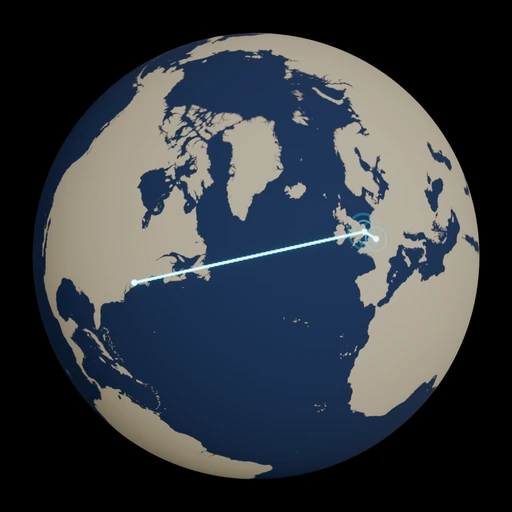
Create animated globe routes from latitude and longitude points. Choose your colors and duration, then generate the globe, glowing line, destination ripples and camera in one click.
Go to download ↓Enter latitude and longitude points in travel order, set a duration, and choose your line, sea and land colors. Click Create Globe Animation to build an editable scene ready to render in Eevee.
Requires Blender 5.2 or newer. Tested in Blender 5.2.2 LTS.
Colors and effect switches update the generated scene live. After changing the route points or duration, create a new scene. Your existing scenes stay available in the scene selector.
The globe uses WGS84 dimensions and public-domain Natural Earth geography. The packed 16K mask keeps the extension offline and self-contained. The globe, route curve, markers, rings, materials and camera remain editable.
Waypoint connections follow illustrative great-circle legs. Natural Earth coastlines are generalized for world and regional graphics. Use researched tracks and higher-detail local data when a project calls for them. Routes that travel behind the globe may need a different camera angle.
Code is free and open source under GPL-3.0-or-later. The generated geographic mask is CC0 and is derived from public-domain Natural Earth data. The download includes the source code, license and setup instructions.

I’ve been using Blender since 2008, worked as a 3D department manager, and was a producer for the Blender Guru YouTube channel. These days I build the models, tools, and training you’ll find here. Your donations help me keep making them.
More about me
Comments
Sign in with a free account to join the conversation.